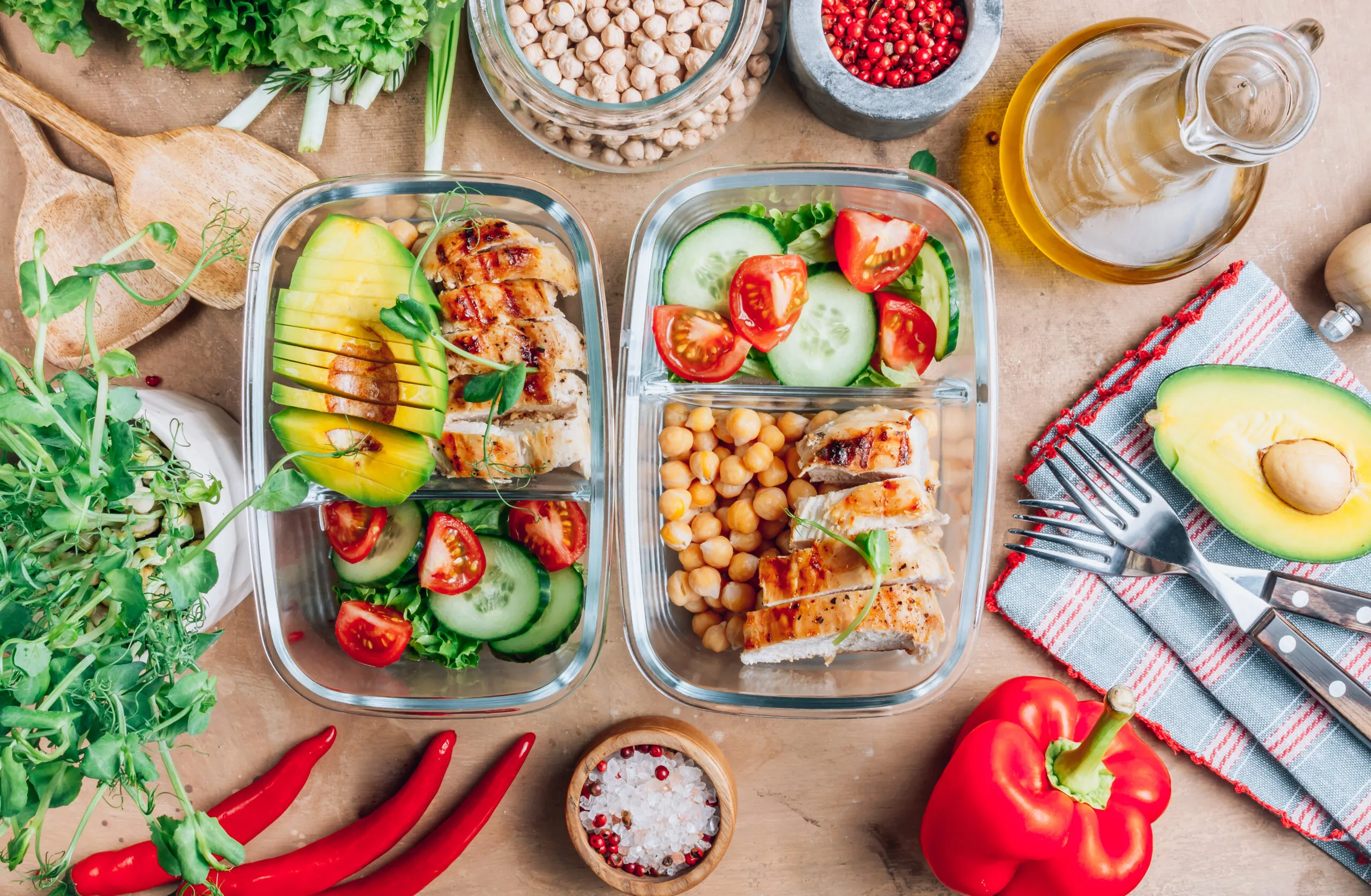
Structured Food Planning
Reclaim Your Evenings With a Clear Weekly Food Map
Plan meals, build grocery lists, and prep in parallel — all from one organized workspace designed for people with full schedules.
- Chicken bowls — 4 portions
- Grain base — pre-cooked
- Roasted vegetables — 3 varieties
- Overnight oats — 5 jars
Three Tools. One Coherent System.
Each module handles a distinct part of your food routine so nothing falls through the cracks during a packed week.
See breakfast, lunch, and dinner for the entire week on a single screen with night-before prep notes attached to each day.
Open Weekly HubIngredients grouped by aisle, quantities merged automatically, and large tap targets for crossing items off while you walk.
View Grocery MatrixA multi-track timeline shows how to cook proteins, grains, and sides concurrently during one focused weekend session.
See Batch TimelineNumbers First. Details When You Need Them.
Prep times, ingredient counts, and container requirements appear as oversized data points you can scan in seconds. Expand any module only when you want the full breakdown.
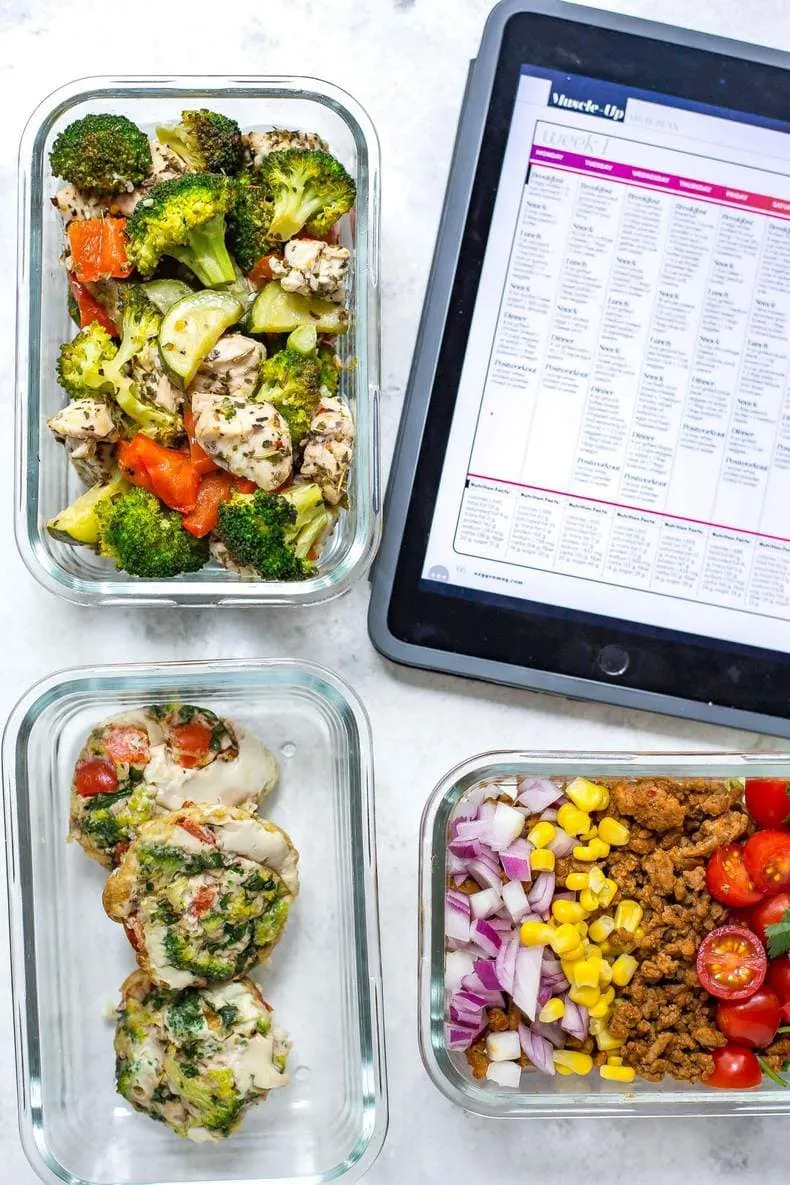
Left-Aligned Controls, Right-Side Clarity
Navigation filters and day selectors stay locked to a vertical axis on the left. The main canvas stays open for clean overhead food photography and readable meal data.
Learn Our Approach
Built for Decision Fatigue, Not Gourmet Complexity
Every plan prioritizes repeatable combinations, shared ingredients, and parallel cooking steps over elaborate recipes.
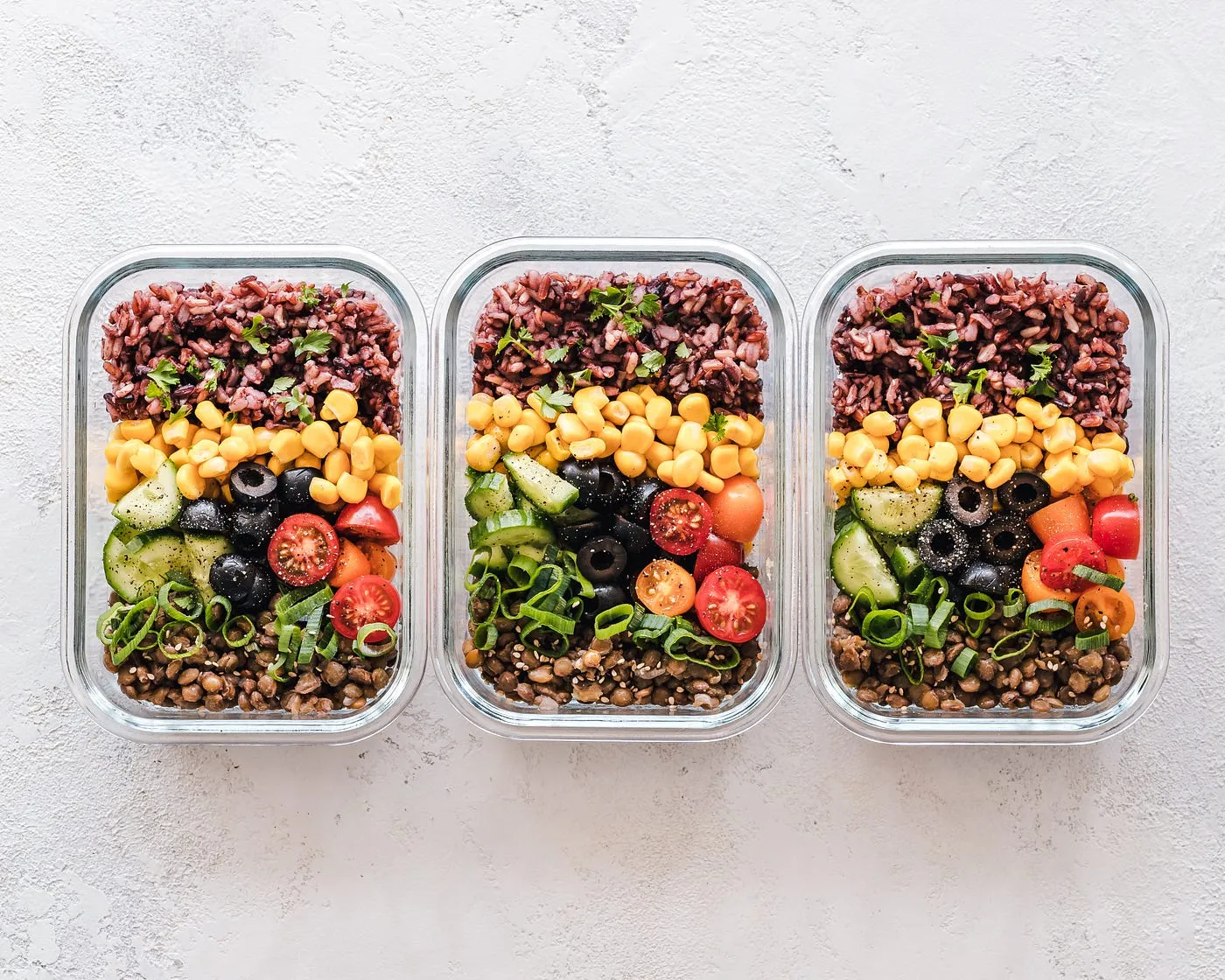
Shared Ingredient Pools
One roasted vegetable batch covers three different lunches. One protein base rotates across bowls and wraps.
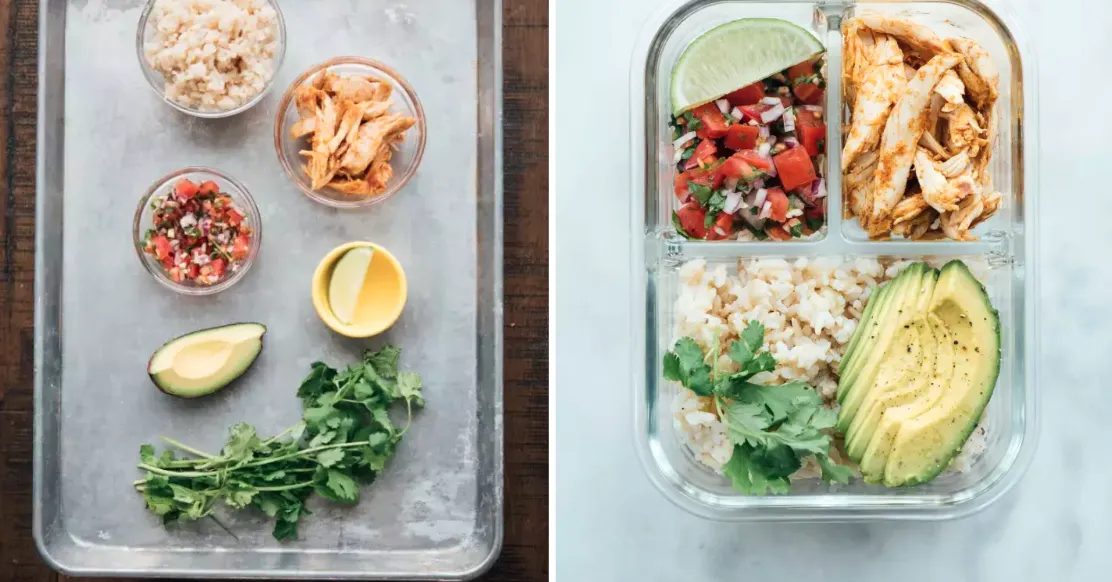
Container-First Thinking
Each meal slot lists exactly how many containers you need and what size, before you start cooking.
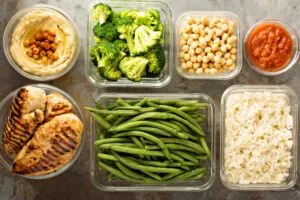
From Plan to Cart Without Rewriting Lists
Your weekly meal selections flow directly into the aisle navigator. Duplicate items merge, quantities add up, and categories sort by store layout.
Start With a Single Focused Week
Pick a plan, open the weekly hub, and follow the batch timeline on your next available prep window.
Select from three structured weekly templates matched to different household sizes.
Open the dashboard to see every meal slot and prep checklist at a glance.
Follow the batch timeline once, then grab ready portions all week long.